
If your EcoFlow solar panel isn’t delivering power, you’re not alone. Many owners face charging hiccups. This guide answers how to fix ecoflow solar panel. It shows signs and causes. It guides you through DIY fixes and pro help. All steps include safety warnings for battery work and electrical wiring.
how to fix ecoflow solar panel: Quick Answer
First, check panel orientation, connectors, and MPPT controller. Most “no‑charge” problems are simple connection issues.
The panel may pass a voltage test but fail to charge. Try a repair kit. Or replace the faulty charge controller.
Safety tip: Disconnect the EcoFlow battery before touching any wires or connectors.
Common Symptoms When EcoFlow Panels Won’t Charge
Red LED stays on or flashes erratically.
The EcoFlow app shows 0% solar input even in bright sunlight.
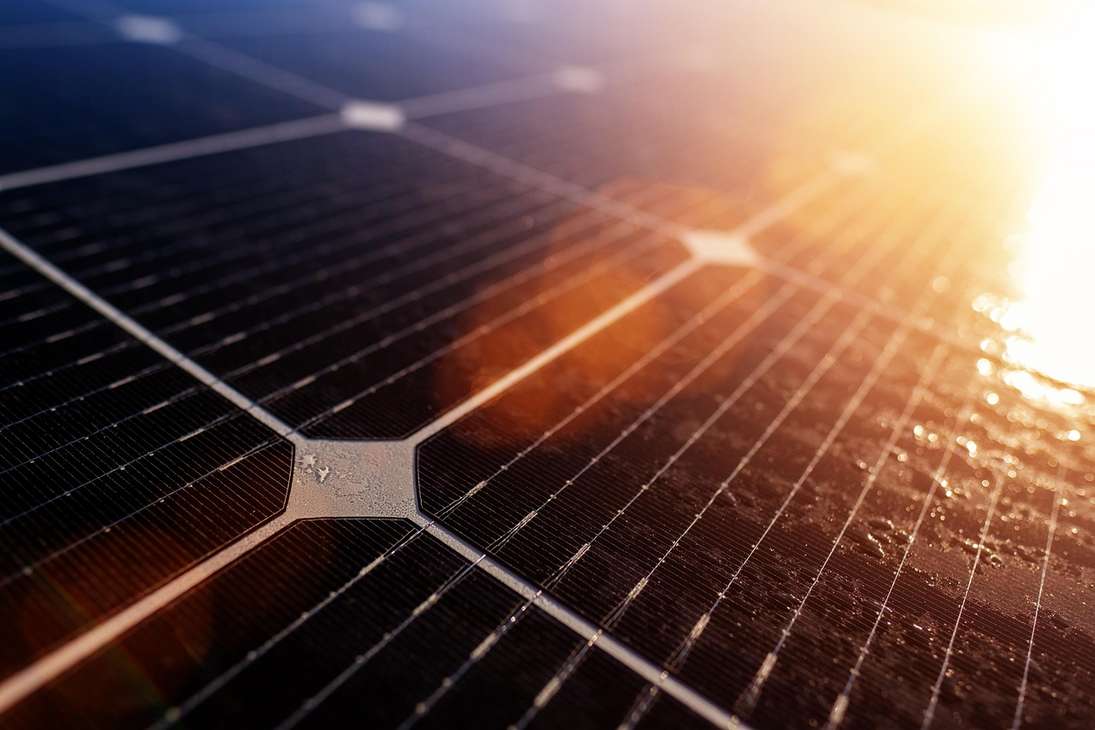
Physical signs include cracked glass, loose clamps, or corroded terminals.
These signs answer the People Also Ask question: Why isn’t my EcoFlow charging from my solar panels?
Top Causes & How to Fix EcoFlow Solar Panel Delta Models
Loose MC4 connectors are the most common cause. Re‑seat and click‑lock them firmly.
Dirty or oxidized contacts reduce voltage. Clean with isopropyl alcohol and a soft brush.
Faulty charge controller (Delta 2, Delta 3, or original Delta) stops power flow. Replace the controller module if needed.
Mismatched voltage also hurts performance. A 100 W panel on a Delta 3 that expects 200 W minimum will charge very slowly.
Choose This If / Skip This If
| Situation | Choose This If | Skip This If |
|---|---|---|
| Connector feels loose | Re‑seat MC4 and tighten | Replace controller first |
| Contacts look dirty | Clean with alcohol | Ignore visual signs |
| Voltage test reads 0 V | Replace controller or panel | Keep using same panel |
| Panel wattage below spec | Upgrade to higher‑watt panel | Force charge with low‑watt panel |
Step‑by‑Step Repair Using a Solar Panel Repair Kit
Gather tools: multimeter, screwdriver set, replacement MC4 plugs, heat‑shrink tubing, and an EcoFlow‑compatible repair kit.
Average kit price ranges from $49 to $119. See the pricing table below for details.
- Power down. Turn off the EcoFlow battery, disconnect all cables, and wear insulated gloves.
- Visual inspection. Look for cracked glass, broken solder joints, or water ingress.
- Test voltage. Use a multimeter to measure open‑circuit voltage (V_oc). A 400 W panel should read about 21 V.
- Replace faulty MC4 connector. Cut the damaged section, strip the wire, crimp the new plug, and apply heat‑shrink.
- Re‑assemble and test. Reconnect to the EcoFlow unit, power on, and confirm charging status in the app.
Worked example: Your panel spec is 21 V. The multimeter reads 18 V. (21‑18) ÷ 21 × 100 ≈ 14 % loss. Clean the contacts and retest. The reading may stay low. This means the cells are likely damaged.
Safety warning: Never work on the panel while it’s exposed to direct sunlight. The voltage can be lethal.
Pricing Table: Solar Panel Repair Kit Options
| Kit | Includes | Avg. Price (USD) | Warranty |
|---|---|---|---|
| Basic | 2 MC4 plugs, heat‑shrink, screwdriver | $49 | 90‑day parts only |
| Pro | Basic + MPPT controller replacement, voltage tester | $79 | 1‑year limited |
| Complete | Pro + spare glass panel, carry case | $119 | 2‑year full kit |
When to Call EcoFlow Support or a Professional
If voltage tests show 0 V after connector checks, internal cell damage is likely. Contact EcoFlow warranty service.
When the battery management system (BMS) trips repeatedly, a certified technician should inspect the internal wiring.
If you feel uneasy handling high‑voltage components, schedule a professional visit.
Here is the answer to a common question. Can EcoFlow be repaired? Yes, most issues are fixable with a repair kit or authorized service.
Preventive Maintenance & Safety Tips
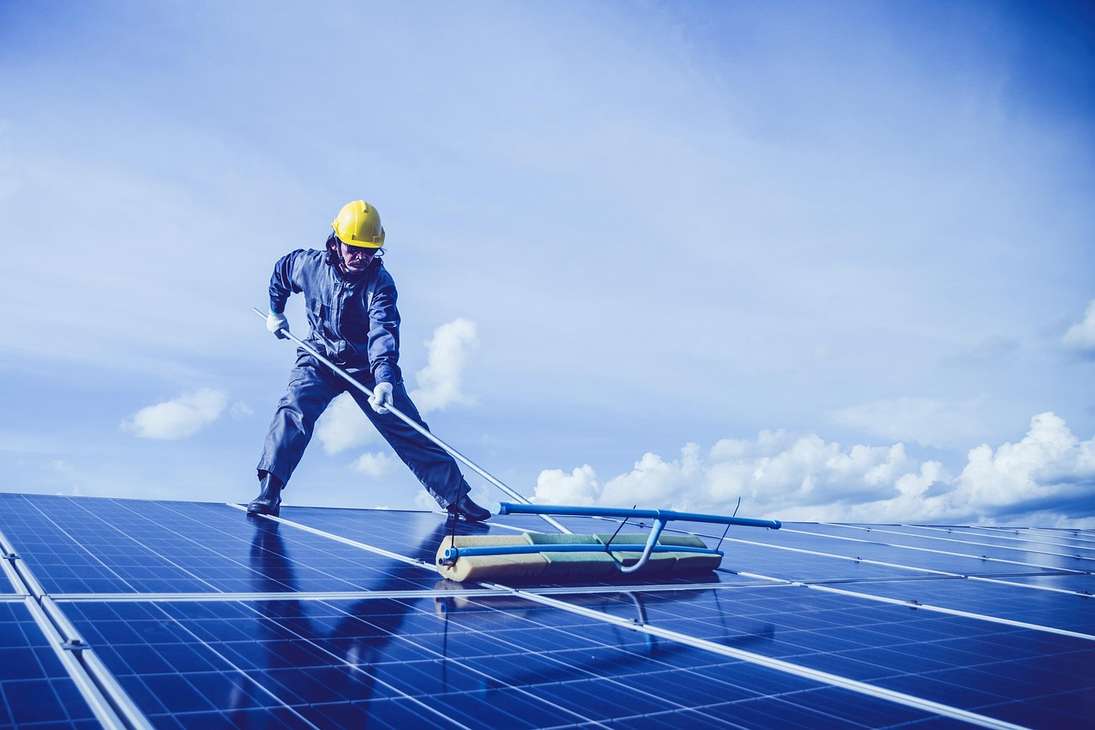
Clean panels quarterly with a soft, damp cloth. Avoid abrasive cleaners.
Inspect connectors after each season. Re‑tighten any loose screws.
Store the panel in a dry, shaded area when not in use. This prevents UV‑induced degradation.
Always wear insulated gloves and safety glasses when working with wiring.
AI Tools for Diagnosing Solar Panel Issues
- ChatGPT‑style assistants can guide you through voltage‑testing steps by asking for live readings.
- Image‑recognition apps like SolarAI can flag cracked cells from a photo, but verify with a multimeter.
- AI‑driven maintenance logs can schedule inspections based on usage patterns.
- Remember: AI suggestions are not a substitute for proper electrical safety checks.
FAQs
Why isn’t my EcoFlow charging from my solar panels?
Most often a loose connector, dirty contacts, or mismatched panel wattage causes the problem. Check orientation, clean MC4 plugs, and verify voltage.
How to fix a solar panel that is not working?
Follow the step‑by‑step repair kit guide: power down, test voltage, replace faulty connectors, and retest. If it still fails, replace the controller.
Can EcoFlow be repaired?
Yes, EcoFlow units and panels are serviceable. Many owners fix issues with a DIY kit or by using authorized service.
How to repair solar panel not charging?
Identify the failure point—connector, controller, or cells. Replace the bad part, then verify with a multimeter before use.
What AI tools can help prevent future solar panel failures?
Predictive maintenance platforms analyze charging data and send alerts before performance drops. They also help you log inspections.
Conclusion
Fixing an EcoFlow solar panel usually starts with simple connector checks. If those fail, a repair kit can replace MC4 plugs or the MPPT controller. Keep a kit handy, perform quarterly maintenance, and use AI helpers for early warnings. With these steps, most owners can restore full charging performance without a costly service call.
Related guides
- How to Fix Jackery Solar Panel: 7 Easy Steps (2027 Guide)
- EcoFlow Delta Pro Ultra Not Connecting to WiFi: 2027 Guide

Elena Rostova is an Off-Grid Energy Systems Specialist and DIY solar consultant with over 7 years of hands-on experience in battery storage optimization, load management, and cabin power independence. She focuses on helping homeowners design safe, efficient, and self-sustaining energy setups.